![Logo white.png]](https://www.constrafor.com/hs-fs/hubfs/KB-ConstraConnect/Logos/Constrafor%20Logo%20-%20White/Logo%20white.png?height=40&name=Logo%20white.png)
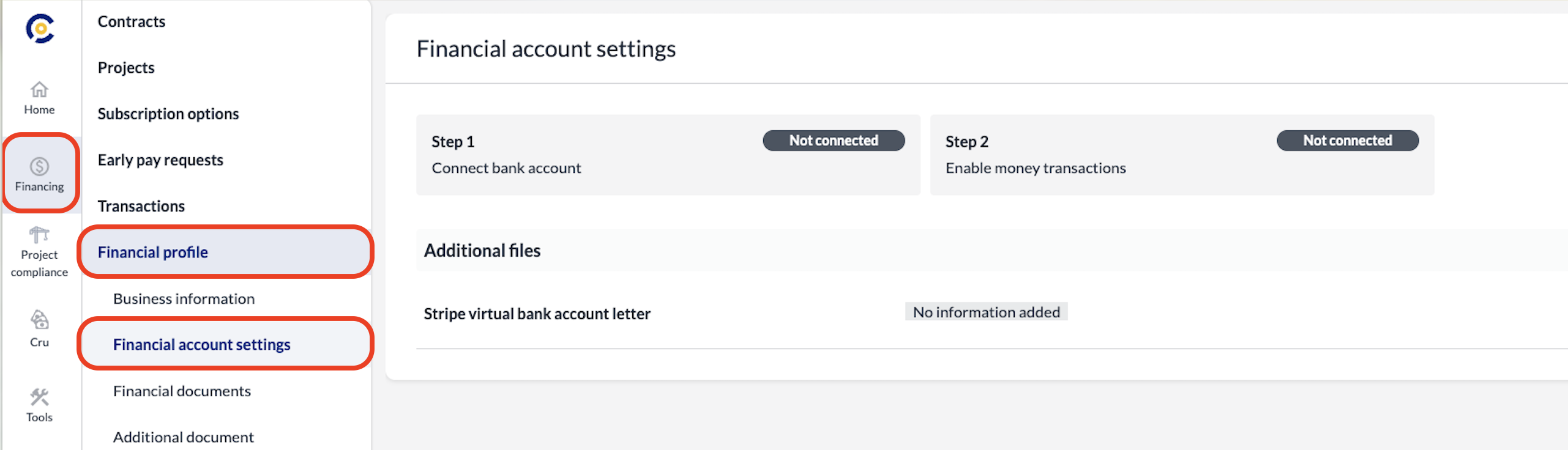
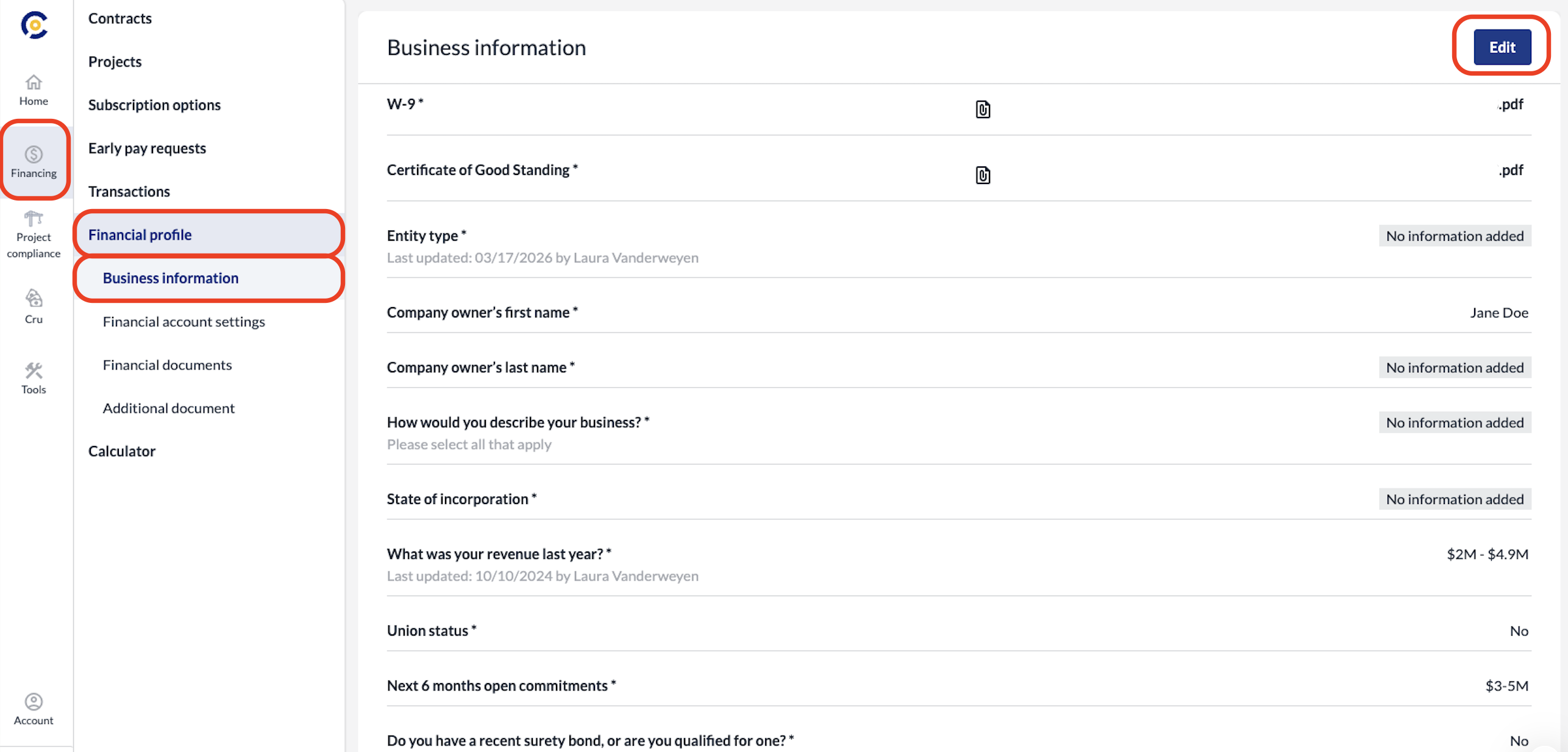
To update your business or payment details, log into your Constrafor account. Then, click Financing on the left-hand sidebar, and then select Financial Profile from the menu that appears just to the right of the sidebar. Finally, click Business Information.
To make changes, click the Edit button all the way on the right side of the screen. All changes are auto-saved so when you are finished, feel free to navigate away from the page.
Click Financial Account Settings to update your payment details.