![Logo white.png]](https://www.constrafor.com/hs-fs/hubfs/KB-ConstraConnect/Logos/Constrafor%20Logo%20-%20White/Logo%20white.png?height=40&name=Logo%20white.png)
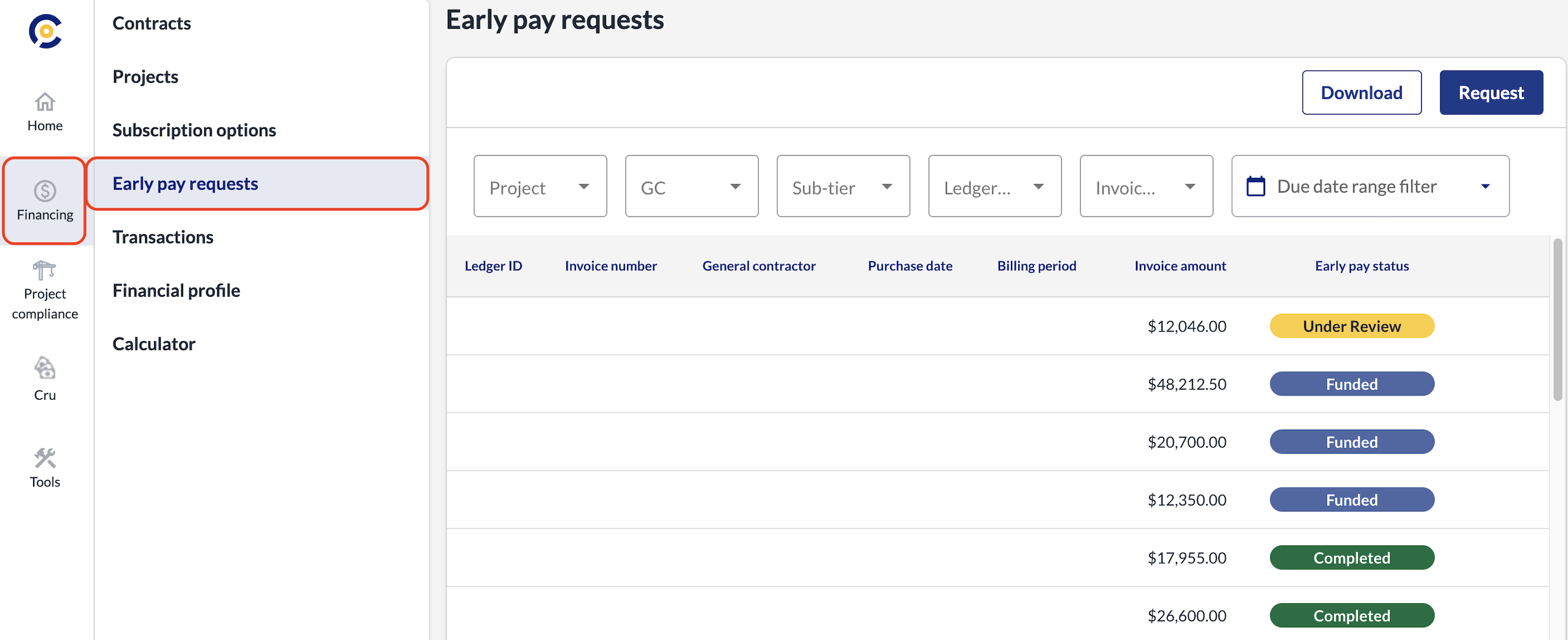
To track your submitted invoices, log into your Constrafor account and navigate to the Financing section on the left-hand sidebar. Then, click on Early Pay Requests from the menu that appears just to the right of that sidebar to view the complete history of all your invoices submitted for early payment.