![Logo white.png]](https://www.constrafor.com/hs-fs/hubfs/KB-ConstraConnect/Logos/Constrafor%20Logo%20-%20White/Logo%20white.png?height=40&name=Logo%20white.png)
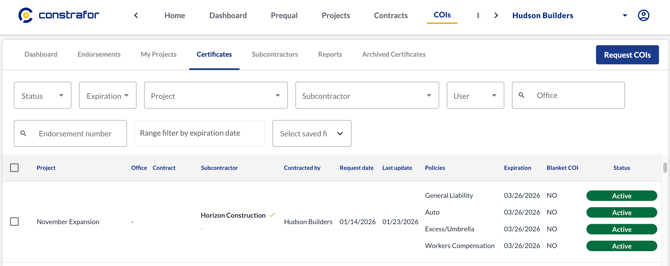
- Open the COI request you want to add a policy to.
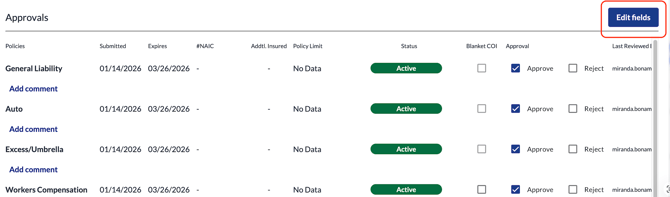
- Scroll to the bottom and in the Approvals section, click the Edit Fields button on the right.
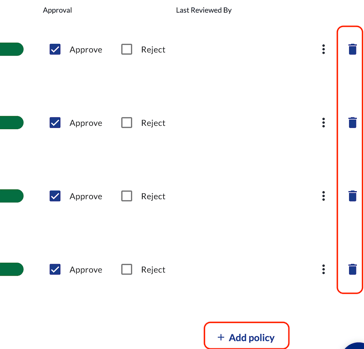
- Scroll all the way to the right to see a trash can icon next to all policies. Click on it to delete any policy.
- Click the +Add policy button to add a policy you'd like to add.
- Please note: any policy added will appear in Required status. You will need to upload a document or wait for the subcontractor to provide the document.
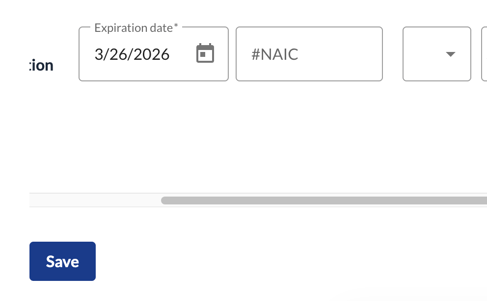
- Click Save underneath the Approvals section when finished.